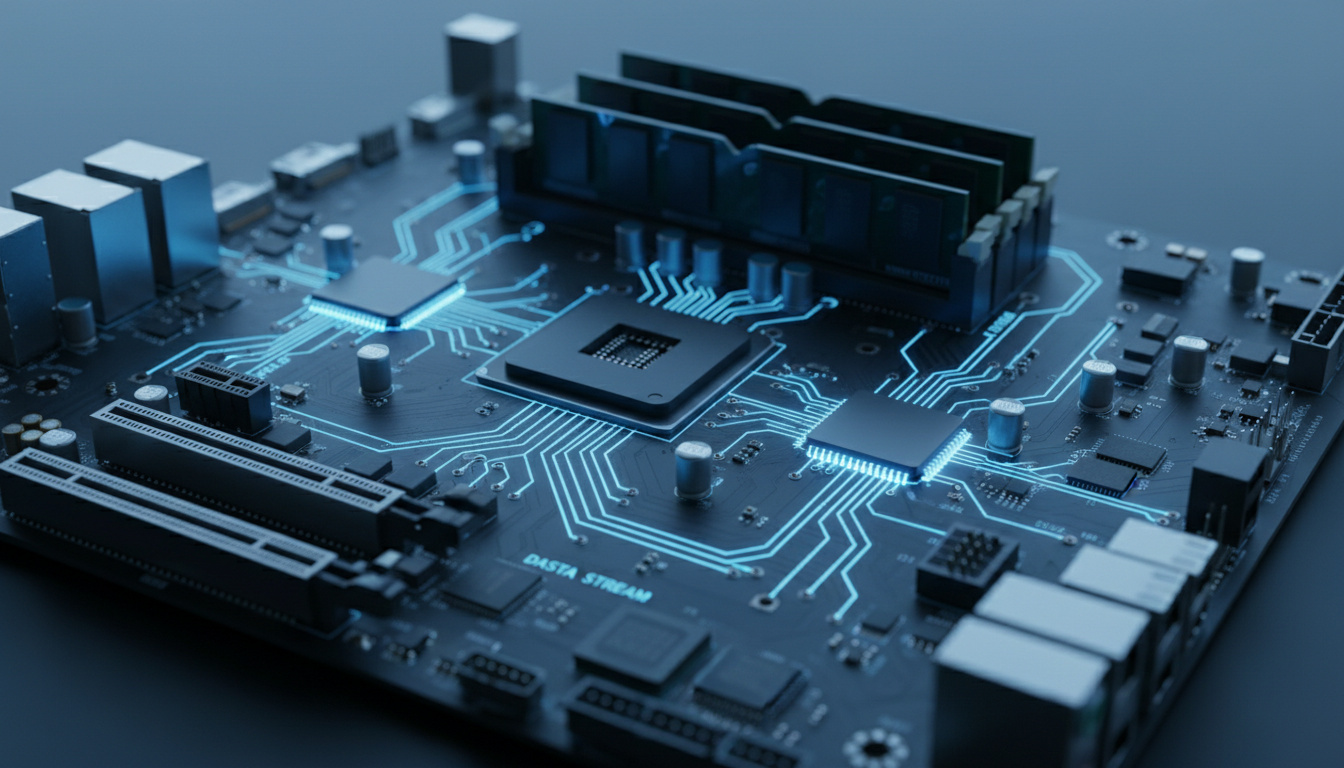

A motherboard chipset functions as the central communications hub of a computer, managing data flow between the processor, memory, storage devices, and peripherals. This set of integrated circuits determines fundamental system capabilities, including which CPUs are compatible, what RAM speeds are supported, and how many expansion slots remain available for graphics cards and NVMe drives.
Modern computing relies on this architecture to prevent bottlenecks and ensure efficient multitasking. While the CPU handles primary processing tasks, the chipset coordinates secondary channels, enabling the integration of USB ports, SATA connections, and PCIe lanes that define a system’s expandability. Understanding this component proves essential when planning hardware upgrades or diagnosing compatibility issues.
The evolution of chipset design reflects broader shifts in computing architecture. Traditional designs separated high-speed and low-speed functions across distinct chips, whereas contemporary solutions consolidate these roles into single Platform Controller Hubs or integrated equivalents, adapting to the increasing integration of memory controllers and graphics processing within modern processors.
What Is a Motherboard Chipset?
A motherboard chipset comprises integrated circuits that manage communication between the processor, memory, storage, and peripheral devices. This platform determines fundamental capabilities including supported CPU generations, RAM compatibility, and available expansion slots. The Chipset glossary defines this component as the central hub coordinating data flow to prevent system bottlenecks.
Communication hub between CPU and peripherals managing data pathways
Northbridge (legacy), Southbridge, modern Platform Controller Hub
Intel (Z790, B760) and AMD (X670, B650) platforms
Dictates CPU support, RAM types, PCIe lanes, and overclocking ability
- Not a Processor: The chipset manages data pathways but does not execute computations like the CPU
- Overclocking Gatekeeper: Intel restricts overclocking to Z-series chipsets exclusively, while AMD offers broader X and B series support
- PCIe Lane Allocation: Provides additional lanes beyond CPU-direct pathways for expansion cards and storage
- Integrated Evolution: Modern designs have eliminated discrete Northbridge chips, consolidating functions into the CPU or single PCH
- Peripheral Limits: Determines the maximum number of USB, SATA, and NVMe ports available
- Power Regulation: Controls sleep states and power distribution for system stability
- Compatibility Enforcement: Physical and electrical restrictions prevent CPU installation on mismatched chipsets
| Aspect | Details |
|---|---|
| Full Name | Platform Controller Hub (Intel) / Promontory (AMD) |
| Physical Location | On motherboard near CPU socket with dedicated cooling |
| Intel Current Gen | 700-series and 800-series (Z790, B760, Z890) |
| AMD Current Gen | 600-series and 800-series (X670, B650, X870) |
| PCIe Lane Support | Up to 44 lanes on high-end AMD platforms |
| USB Support | USB 3.2 Gen 2×2, USB4, Thunderbolt 4 (Intel) |
| Memory Support | DDR4 or DDR5 compatibility and overclocking profiles |
| Overclocking | Z-series (Intel) and X-series (AMD) exclusively |
What Does a Motherboard Chipset Do?
The chipset operates as a traffic controller, coordinating data exchange between the processor and peripheral components. According to Tom’s Hardware technical documentation, this central hub prevents communication bottlenecks while managing secondary PCIe lanes, storage interfaces, and USB connectivity that the CPU does not handle directly.
CPU Communication and Data Relay
Modern processors maintain direct connections to primary PCIe lanes and system memory, yet rely on the chipset to manage secondary channels. This division allows the CPU to focus on computation while the chipset handles I/O operations. Technical demonstrations illustrate how this architecture ensures efficient multitasking by offloading peripheral management from the main processor.
Memory Support and Expansion Control
While contemporary CPUs integrate memory controllers, the chipset still defines RAM compatibility parameters, including maximum capacity, supported speeds, and overclocking profiles. The platform dictates whether DDR4 or DDR5 modules function, and at what frequencies, independent of the processor’s raw capabilities.
Intel restricts overclocking to Z-series chipsets exclusively, while AMD offers more flexibility across X and B series platforms. Attempting to overclock on unsupported chipsets results in BIOS limitations or system instability.
Storage and Peripheral Management
SATA ports, NVMe slots, RAID configurations, and USB connectivity all fall under chipset jurisdiction. The component determines how many drives can connect, what transfer speeds are achievable, and which generation of USB ports remain available for peripherals. Power management functions, including sleep states and efficiency optimizations, also reside within the chipset’s responsibilities.
Northbridge vs Southbridge: Key Differences
Legacy motherboard designs utilized a dual-chip architecture separating high-speed and low-speed data pathways. This bifurcation created distinct thermal zones and latency profiles that influenced system performance across different workloads.
The Northbridge Function
Historically, the Northbridge managed high-bandwidth connections between the CPU, system memory, and graphics adapters via AGP or early PCIe interfaces. This chip prioritized rapid data access for rendering and computational tasks, often requiring dedicated cooling solutions due to significant heat generation from high-frequency operations.
Southbridge Responsibilities
The Southbridge handled peripheral connectivity including USB ports, SATA storage, audio controllers, and Ethernet interfaces. Operating at lower frequencies than its counterpart, this component managed background I/O operations without demanding the same thermal overhead, making it suitable for less critical system functions.
Contemporary systems have eliminated the discrete Northbridge, integrating its functions directly into the CPU or consolidating all chipset operations into a single Platform Controller Hub. Purchasing decisions should not consider Northbridge/Southbridge distinctions for current-generation hardware.
Integration and Thermal Evolution
Heat dissipation challenges and latency reduction initiatives drove the integration of Northbridge functions into the processor die. Modern chipsets now function as single-chip solutions managing only I/O operations, a transition that began around 2008 with Intel’s PCH architecture and continues through today’s AMD and Intel platforms.
Chipset Compatibility and How to Check Yours
Compatibility between processors and motherboard chipsets follows strict generational boundaries. Intel and AMD each design chipsets for specific CPU sockets and architectures, making cross-platform installation physically impossible or functionally unstable.
CPU Family Restrictions
Chipsets lock to processor generations. An Intel Z790 supports 12th, 13th, and 14th generation Core processors, while AMD’s X670 accommodates Ryzen 7000 and 9000 series chips using the AM5 socket. PCPartPicker community documentation confirms that mismatched combinations prevent boot sequences or fail to recognize hardware entirely.
Physical Socket Limitations
Beyond electrical incompatibility, CPU sockets feature unique pin configurations that physically block insertion of unsupported processors. LGA 1700, AM5, and other socket types correspond to specific chipset families, creating hardware-level barriers against accidental mismatches.
Users can identify chipsets through Windows System Information (msinfo32), CPU-Z software, or BIOS inspection. Always verify compatibility via manufacturer CPU support lists before purchasing components.
Identification Techniques
Users can identify their chipset through multiple diagnostic approaches. Windows systems reveal this information via the System Information utility or Device Manager pathways. Third-party utilities provide granular detail about the specific PCH model installed. Wikipedia’s chipset entry references additional verification techniques including physical motherboard documentation and manufacturer specifications.
Modern Chipsets: AMD vs Intel and Evolution
Contemporary chipset architectures diverge significantly between Intel’s Platform Controller Hub approach and AMD’s Promontory design philosophy. These differences impact expansion capabilities, overclocking accessibility, and peripheral integration strategies.
Architectural Philosophies
Intel utilizes the Platform Controller Hub (PCH) design, connecting to the CPU via a Direct Media Interface (DMI) link. This approach emphasizes power efficiency and tight integration with Thunderbolt and USB4 standards. AMD employs an Infinity Fabric connection for their chipsets, offering greater flexibility in PCIe lane allocation and expandability options.
Performance and Expansion
Intel platforms typically provide CPU-focused primary PCIe lanes with chipset-supplemented secondary channels. AMD configurations often deliver higher total lane counts from the chipset itself, benefiting multi-GPU setups and extensive NVMe storage arrays. Overclocking accessibility also differs, with Intel restricting tuning to Z-series platforms while AMD maintains broader support across X and B series chipsets.
| Feature | Intel Chipsets | AMD Chipsets |
|---|---|---|
| Connection Type | DMI 4.0 link to CPU | Infinity Fabric interface |
| PCIe Lanes | Up to 24 from chipset (Z790) | Up to 44 from chipset (X670) |
| Overclocking | Z-series only | X and B series support |
| USB/Thunderbolt | Native Thunderbolt 4 integration | USB4 support, Thunderbolt via add-on |
| Storage Focus | NVMe RAID optimization | Higher SATA port counts |
How Has Chipset Technology Evolved?
The transition from discrete multi-chip solutions to integrated single-chip platforms represents decades of thermal engineering and bandwidth optimization. This evolution reflects the industry’s continuous push toward reduced latency and simplified motherboard designs.
- Discrete Northbridge and Southbridge chips manage separate high-speed and low-speed data pathways
- Intel introduces the Platform Controller Hub (PCH), integrating Southbridge functions while maintaining discrete Northbridge operations
- Full integration phase begins with Ivy Bridge and AMD Ryzen architectures moving memory controllers onto the processor die
- AMD introduces chipsets with expanded PCIe lane allocation, offering greater flexibility for multi-GPU and storage configurations
- DDR5 memory and PCIe 5.0 support become standard features across high-end Intel Z790 and AMD X670 platforms
- USB4 and Thunderbolt integration expand connectivity options, while chipsets continue reducing power consumption and thermal output
What Is Established vs What Remains Uncertain?
| Established Information | Information That Remains Unclear |
|---|---|
| Chipsets strictly limit CPU compatibility to specific generations and sockets | Future lane allocations beyond PCIe 5.0 specifications |
| Intel Z-series and AMD X-series exclusively support overclocking features | Exact thermal requirements for next-generation 800-series chipsets |
| Modern systems utilize single-chip PCH designs without discrete Northbridge | Universal adoption timeline for Thunderbolt across budget platforms |
| PCIe lane allocation splits between CPU-direct and chipset-provided pathways | Long-term support duration for current AM5 and LGA 1700 socket standards |
How Chipsets Impact Your Build
Selecting the appropriate chipset determines upgrade headroom and peripheral connectivity for the lifespan of a system. Budget-oriented builds utilizing B760 or B650 chipsets sacrifice overclocking capabilities and PCIe lane quantity while maintaining essential functionality for standard gaming and productivity tasks.
High-performance workstations demand Z790 or X670E platforms to accommodate multiple NVMe drives, discrete graphics cards, and expansion cards simultaneously. Intel’s ARK database and AMD’s chipset specifications provide detailed lane allocation maps essential for planning complex storage or multi-GPU configurations.
Future-proofing considerations now center on DDR5 memory support and PCIe 5.0 compatibility, features restricted to recent 600 and 700-series Intel platforms alongside AMD’s 600-series offerings. These capabilities ensure compatibility with next-generation graphics and storage standards without requiring complete platform overhauls.
Sources and Industry Verification
Technical specifications cited derive from manufacturer documentation and established hardware analysis publications. AnandTech’s chipset reviews provide independent verification of lane allocation and thermal performance metrics referenced throughout this analysis.
The chipset acts as a traffic cop, ensuring that data from the various components gets to the right place at the right time.
Tom’s Hardware Technical Documentation
The chipset determines how many high-speed components or peripherals your motherboard can support.
Lenovo Technology Glossary
Final Assessment
The motherboard chipset functions as an indispensable infrastructure component, defining compatibility boundaries and expansion capabilities that persist throughout a system’s operational lifespan. While modern processors handle increasingly complex tasks internally, the chipset remains essential for I/O management, peripheral connectivity, and power regulation. Selecting appropriate chipsets requires balancing current needs against future expansion, with Motherboard chipset functions and types serving as critical reference points for both novice builders and experienced technicians.
Frequently Asked Questions
Is the chipset the same as the CPU?
No. The CPU performs calculations and processing tasks, while the chipset manages data pathways and connectivity between components.
Can I upgrade my chipset without changing the motherboard?
Generally no. The chipset is soldered to the motherboard. Upgrading requires replacing the entire motherboard.
Does the chipset affect gaming performance?
Indirectly. While the CPU and GPU handle rendering, the chipset determines PCIe lane allocation for graphics cards and NVMe storage speeds.
How do I know if my chipset supports overclocking?
Intel restricts overclocking to Z-series chipsets (Z790, Z690). AMD supports overclocking on X and B series (X670, B650).
What happens if I install an incompatible CPU on a chipset?
The system will fail to boot or recognize the processor. Physical socket differences often prevent installation entirely.
How can I check my current chipset model?
Use Windows System Information (msinfo32), CPU-Z software, or check BIOS settings under system information menus.
Are more expensive chipsets always better?
Not necessarily. High-end chipsets offer more PCIe lanes and overclocking, but budget chipsets handle standard tasks equally well for typical users.
Related stories





Hannah Walsh covers federal and provincial politics and public policy for Canada Scope.